NeonFuji Workspace
I am building NeonFuji Workspace for people who want the everyday Google Workspace apps without sending their mail and documents to someone else’s server. It is designed so that your data is stored in your browser, encrypted, and the AI features run on an API key you bring yourself.
What it does
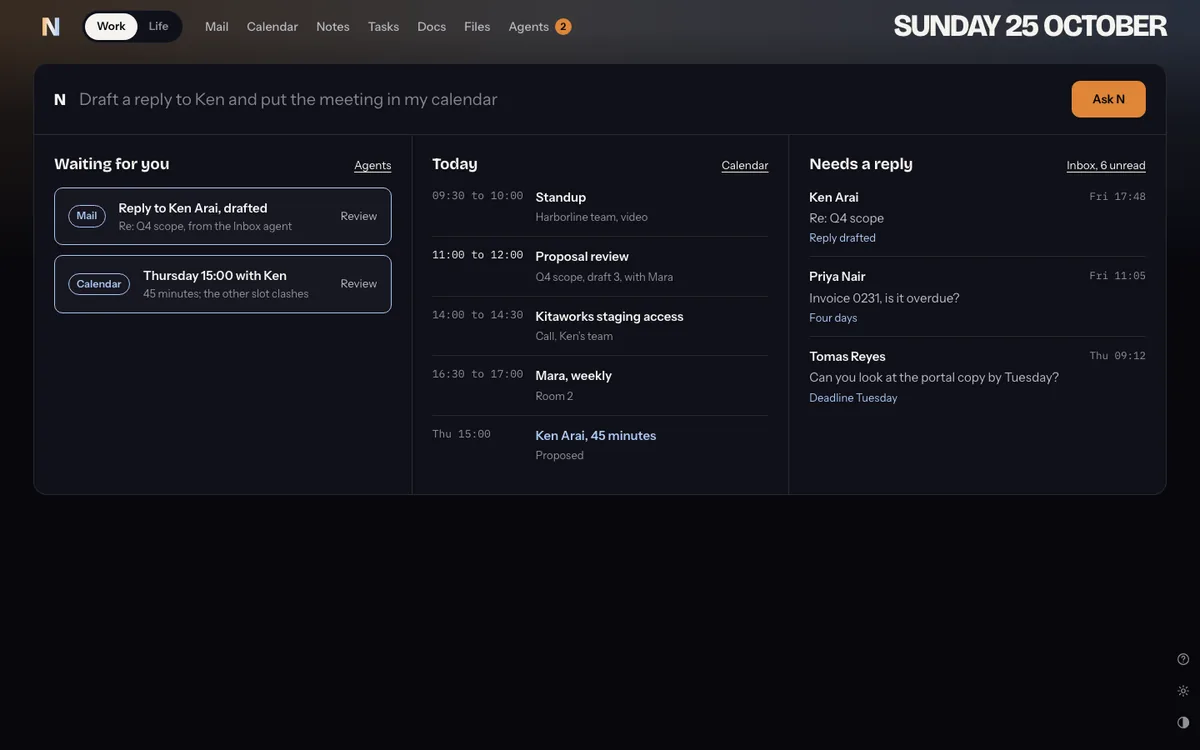
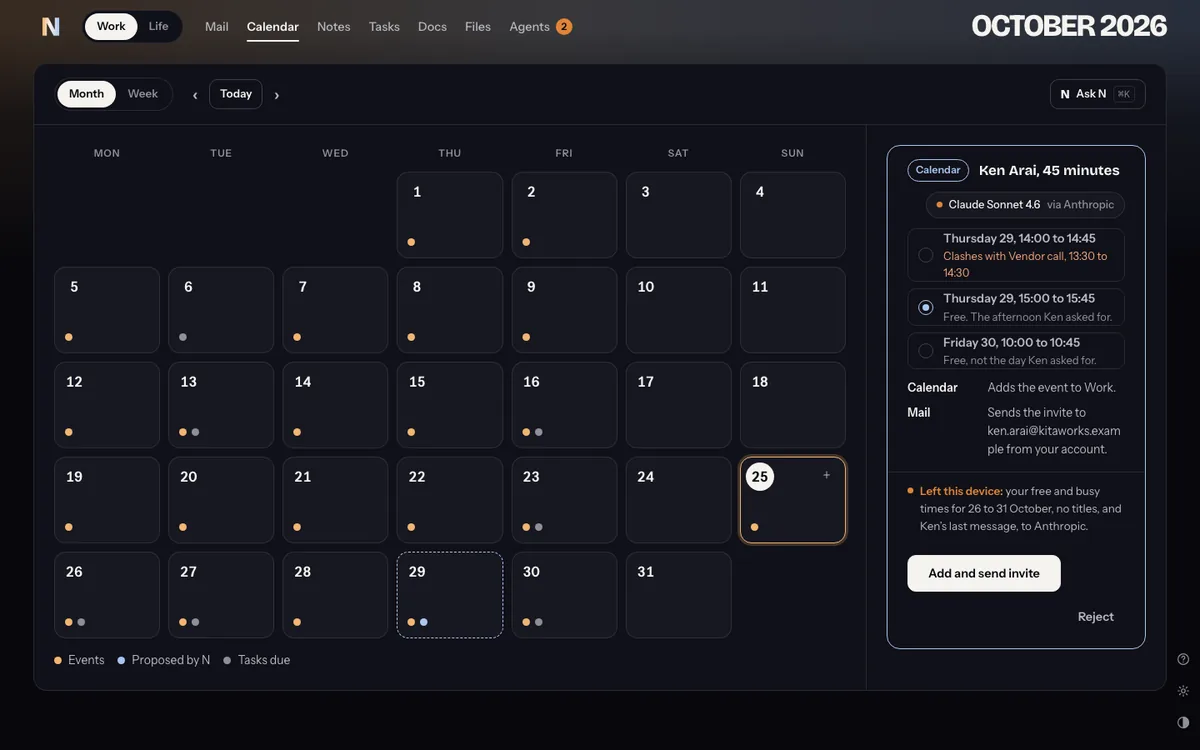
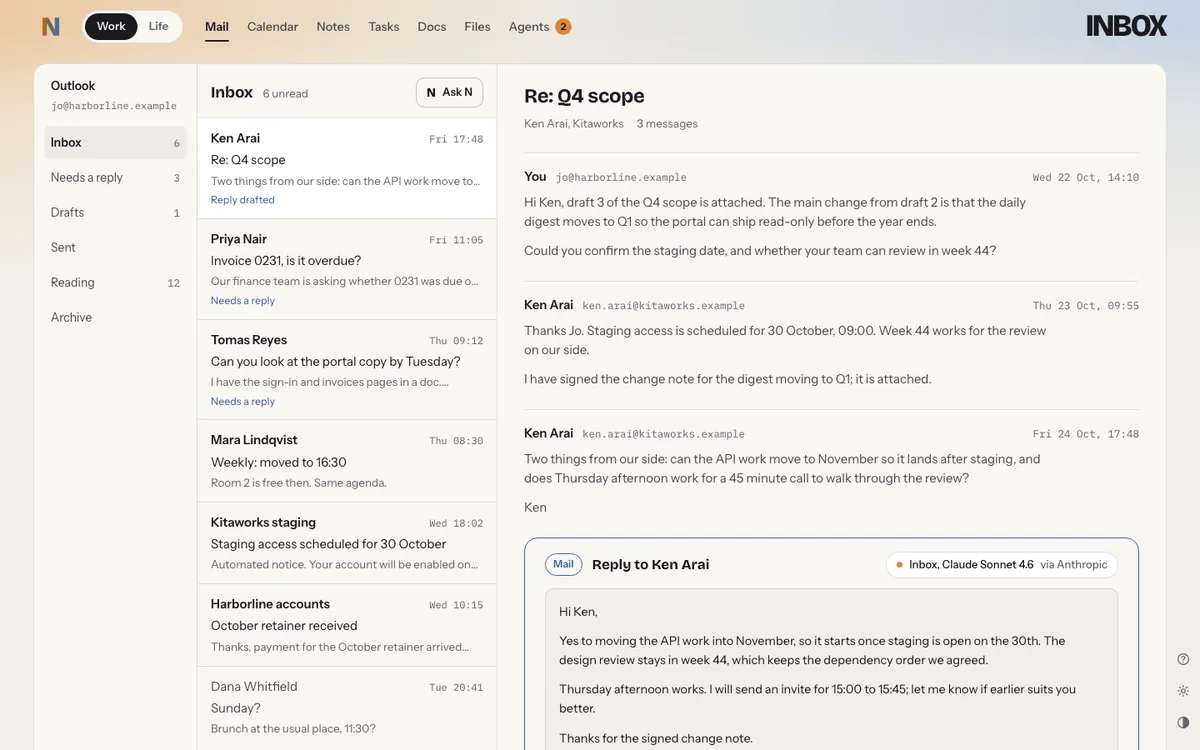
Mail, Calendar, Notes, Tasks, Docs, Files and Agents share one window. Work and Life are separate spaces, each with its own data. An assistant called N can draft a reply, find a meeting time or tighten a document, and every change it suggests waits for you to approve it.
How the privacy works
You add your own key for Anthropic, OpenAI, Google Gemini or OpenRouter, or point it at a model running on your own computer. Each time the assistant acts, it shows exactly what left your device and which provider it went to.
Gmail without a middleman
A browser can’t talk to a mail server directly, so Gmail goes through a small relay. The encryption runs inside your browser, which means the relay only ever passes along scrambled bytes. I tested this against a real Gmail inbox before committing to it.
Built with
- Runs entirely in the browser
- Encrypted local storage
- Bring-your-own AI keys
- Gmail over IMAP, encrypted end to end through a relay